
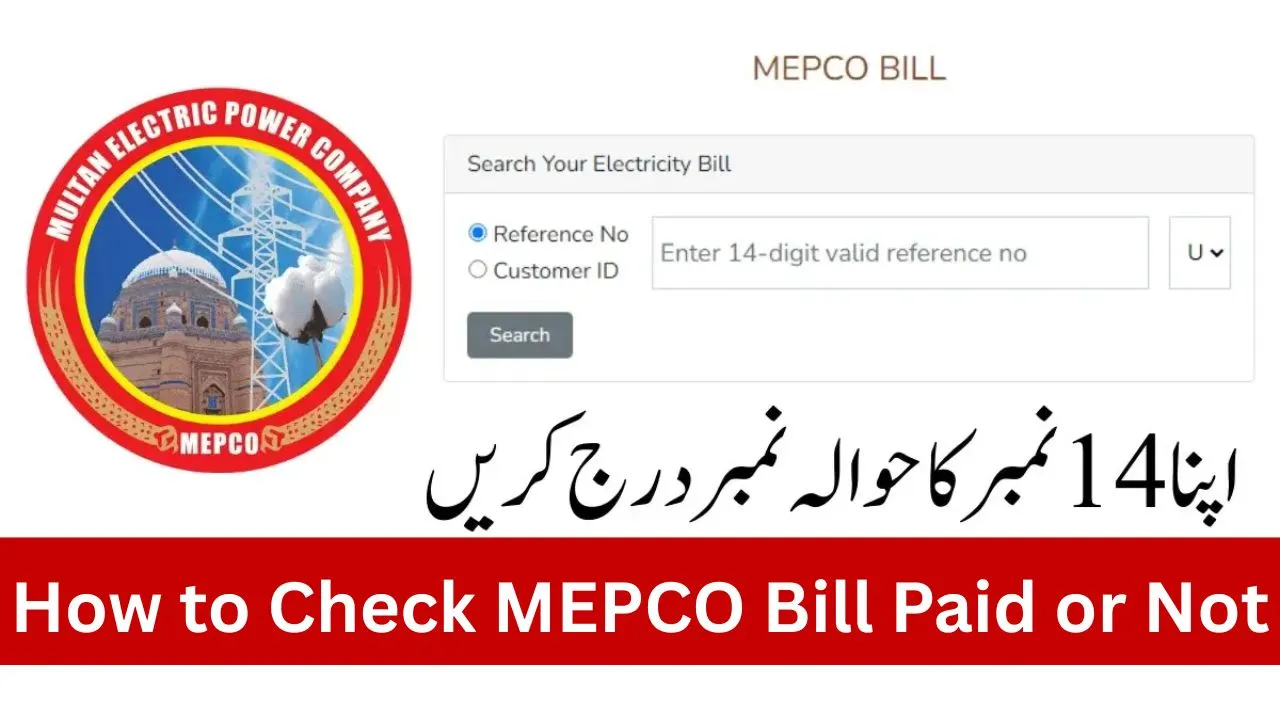
For many electricity consumers in South Punjab, MEPCO bills are a regular part of life. Every month, people worry about whether their payment has been updated in the system or not. Sometimes, due to load on the system or delay in bank processing, consumers face confusion and even receive late payment notices despite paying on time.
If you are also worried about how to confirm whether your MEPCO bill is paid or still pending, this guide will help you. We’ll explain step by step how to check MEPCO bill paid or not, different methods available, and practical tips to avoid late fee issues. By the end, you will have complete clarity and won’t need to guess again.
Contents
- 1 MEPCO Bill Payment Check
- 2 Why Checking MEPCO Bill Status is Important
- 3 Step-by-Step Guide: How to Check MEPCO Bill Paid or Not
- 4 Eligibility: Who Can Use Online Bill Check
- 5 Common Problems and Their Solutions
- 6 Safety Advice for Paying MEPCO Bills
- 7 Benefits of Online Bill Status Check
- 8 Frequently Asked Questions (FAQs)
MEPCO Bill Payment Check
| Detail | Information |
| Company | Multan Electric Power Company (MEPCO) |
| Area Coverage | 13 districts of South Punjab |
| Bill Check Options | Online portal, SMS, Mobile app, Bank apps |
| Payment Confirmation Time | 24 to 48 hours (average) |
| Helpline | 0800-63726 (MEPCO UAN) |
| Required Info | 14-digit reference number or customer ID |
Why Checking MEPCO Bill Status is Important
Many people pay their bills through banks, Easypaisa, JazzCash, or online apps. But sometimes payment does not immediately show up in the MEPCO system. If you don’t confirm, you may receive reminders or even get late fee penalties. That’s why it’s important to verify whether your bill is paid or not.
Step-by-Step Guide: How to Check MEPCO Bill Paid or Not
There are multiple ways to check your bill payment status. Here’s a breakdown of the easiest ones:
1. MEPCO Official Website
- Visit www.mepco.com.pk.
- Go to the “Bill Inquiry” section.
- Enter your 14-digit reference number.
- Click “Submit” to view your latest bill details.
- If the bill shows zero payable amount, it means your payment is updated.
2. MEPCO Mobile App
- Download the MEPCO Bill app from Google Play Store.
- Enter your reference number once and save it for future.
- Open the app anytime to check bill status.
- Paid bills show “No dues pending”.
3. SMS Method
- Send your reference number to MEPCO’s official SMS service (if active in your district).
- You’ll receive a reply with your current bill status.
4. Bank and Wallet Apps
- Open Easypaisa, JazzCash, HBL Konnect, or your bank app.
- Go to the “Bill Payment” section.
- Enter reference number to check bill.
- If payment already made, the system will show “Bill already paid”.
5. Helpline and Customer Service
- Call MEPCO’s UAN 0800-63726.
- Provide your reference number to confirm payment status.
Eligibility: Who Can Use Online Bill Check
Every MEPCO consumer can use online services, but you need:
- A valid 14-digit reference number printed on your bill.
- Internet access or mobile banking app.
- Updated account information with bank/Easypaisa/JazzCash if checking through wallet apps.
Common Problems and Their Solutions
Even after paying bills, consumers sometimes face issues. Here are the most common ones:
Payment Not Showing in MEPCO System
- Reason: Delay in updating bank records.
- Solution: Wait 24-48 hours, then recheck. If still not updated, call MEPCO helpline.
Duplicate Payment Done by Mistake
- Reason: Clicking twice on online payment.
- Solution: Contact your bank or wallet service for refund. Keep payment receipt safe.
Late Fee Charged Even After On-Time Payment
- Reason: Payment processed late by bank.
- Solution: Show your bank receipt to MEPCO office. They can waive off late fee after verification.
Incorrect Reference Number
- Reason: Typing mistake.
- Solution: Always double-check digits before submitting payment.
Safety Advice for Paying MEPCO Bills
- Always pay through official banks, Easypaisa, JazzCash, or MEPCO counters.
- Do not share OTP or transaction ID with anyone.
- Save screenshot or printed receipt of every payment.
- Recheck bill status at least 24 hours before due date to avoid penalties.
Benefits of Online Bill Status Check
- Saves time and travel cost.
- Easy access from anywhere in Pakistan.
- Helps avoid duplicate payments.
- Provides peace of mind before due date.
- Transparent record of transactions.
Frequently Asked Questions (FAQs)
Q1: How long does it take for MEPCO to update bill payment?
Ans: Normally 24 to 48 hours, depending on bank or wallet used.
Q2: Can I check MEPCO bill payment status by CNIC?
Ans: No, only by reference number. CNIC-based checking is not available.
Q3: What should I do if I paid but still see pending status?
Ans: Keep your receipt and contact MEPCO helpline or nearest office.
Q4: Is online MEPCO bill check free?
Ans: Yes, checking bill payment status online is completely free.
Q5: Can I get SMS alerts for MEPCO bill updates?
Ans: In some districts, MEPCO provides SMS alerts, but you must register your mobile number.