

For many families across Pakistan, the BISP 8171 SMS service is the most common way to check eligibility, payment status, and registration under the Benazir Income Support Programme. But recently, a large number of beneficiaries have been facing issues — sometimes the SMS doesn’t deliver, sometimes no reply comes back, and in a few cases, people get confusing error messages.
If you’re also struggling with these problems, don’t worry. In this guide, I’ll explain why these SMS issues happen and how you can fix them step by step. By the end, you’ll have all the solutions to make sure your 8171 SMS check works smoothly again.
Contents
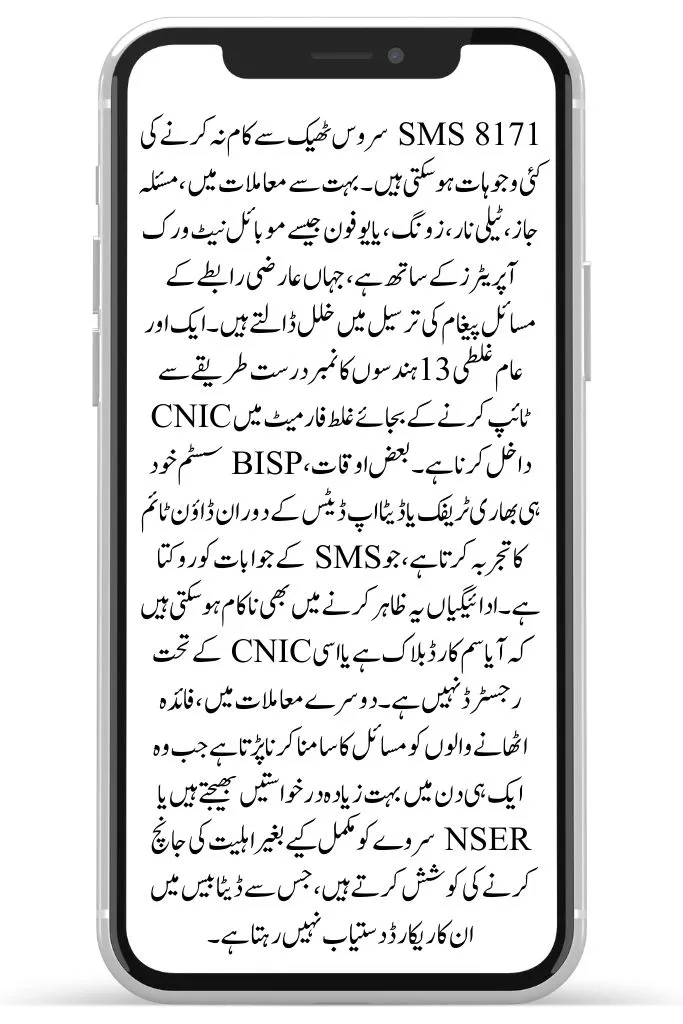
Why Do SMS Issues Happen with 8171?
There can be multiple reasons behind 8171 SMS not working properly. Some of the most common ones are:
- Network issues with your mobile operator (Jazz, Telenor, Zong, Ufone)
- Incorrect CNIC format (not typing 13 digits properly)
- System downtime when the BISP server is busy or updating data
- Blocked SIM cards not registered against CNIC
- Duplicate requests where too many SMS are sent in one day
- Unregistered beneficiaries trying to check without NSER data
Understanding these causes makes it easier to solve the problem instead of panicking.
How to Fix 8171 SMS Problems
Here’s how you can resolve SMS issues and get replies from 8171:
1. Check CNIC Format
Always type your CNIC number without dashes. Example: 3520212345678
Wrong format will result in no response.
2. Use Registered SIM
Make sure the SIM card you’re sending the SMS from is in your own name. If it’s not, register your SIM via PTA before using.
3. Send SMS at Off-Peak Hours
During payment release days, thousands send SMS at once. Try early morning or late night for faster response.
4. Don’t Spam Multiple Requests
Send your CNIC once and wait for at least 24 hours. Repeated messages can get blocked by the system.
5. Check Mobile Balance
Some networks may require a small balance for SMS service. Keep at least Rs. 2–3 balance in your account.
6. Wait During Server Updates
When the government updates payment data (e.g., September installment), the system may temporarily not reply. In this case, wait 1–2 days.
Alternative Ways to Check If SMS Fails
If the SMS still doesn’t work, you don’t have to worry. There are other official ways to check your BISP payment and CNIC eligibility:
- 8171 Web Portal → Visit 8171.bisp.gov.pk
- BISP Mobile App → Download from Google Play Store (latest version updated in 2025)
- Helpline Call → Dial 0800-26477 for official support
- Nearest BISP Tehsil Office → Direct verification through staff
Quick Facts: 8171 SMS Service
| Feature | Details (2025) |
| SMS Code | 8171 |
| SMS Cost | Free (all networks) |
| Correct Format | CNIC without dashes |
| Response Time | Usually within 5–10 minutes |
| Alternatives | Web portal, Mobile app, Tehsil office |
| Common Issues | No reply, “No record found,” server busy |
Real Challenges Faced by Beneficiaries
In my research and feedback from BISP families, here are a few realistic issues people face:
- “No Record Found” even for eligible CNICs → This happens if your NSER survey isn’t updated.
- SMS reply takes hours → Usually during payment phase when the system is overloaded.
- Messages not delivering → Some rural areas have weak network coverage.
- Fraudulent messages from fake numbers → Scammers use random numbers to trick beneficiaries.
Solution: Always trust only 8171 as the official number. Ignore and report suspicious messages.
Safety Advice for Using SMS Service
- Only send SMS to 8171 — no other number is authentic.
- Never share your CNIC with agents or unknown people.
- Avoid giving money to middlemen who promise “fast verification.”
- Keep your SMS confirmation as proof in case of disputes.
Conclusion
The BISP 8171 SMS service remains the easiest way for Pakistanis to check their eligibility and payment details, but technical issues often frustrate families. By following the fixes above — from sending CNIC in the correct format to using alternatives like the web portal — you can ensure smooth access to your details.
Remember, this service is designed for your ease. If you face problems, don’t fall for shortcuts or agents; simply wait for the system update or use official alternatives. With the September 2025 updates, the government is actively working to make this process more reliable for beneficiaries.