
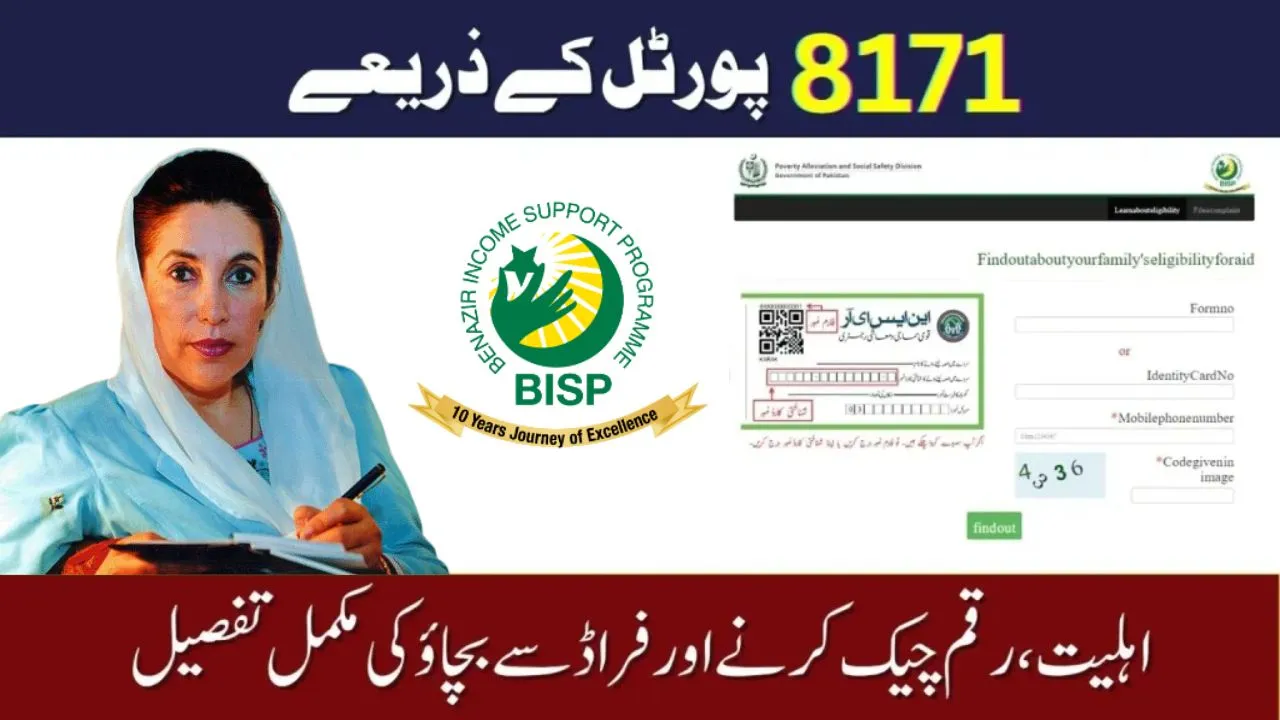
Many families in Pakistan rely on BISP payments for essential needs, from household groceries to children’s school fees. This September, numerous beneficiaries have reported delays in 8171 BISP payments, causing understandable stress. In this article, we’ll explore the reasons behind these delays, how to check your payment status, and what steps you can take to ensure you receive your funds without hassle.
Contents
Eligibility Criteria – Who Should Receive the Payment?
Before discussing delays, it’s important to understand who qualifies for BISP payments:
- Registered BISP beneficiaries with a valid CNIC.
- Active 8171 SMS subscription linked to your CNIC.
- Families meeting Ehsaas/Kafalat poverty thresholds.
- Payments are usually sent to registered bank accounts, Easypaisa, or JazzCash wallets.
Tip: Always ensure your CNIC is active, and your SIM is registered with your CNIC to avoid unnecessary delays.
Step-by-Step Process– Checking Your 8171 Payment Status
If your September payment hasn’t arrived, follow these steps:
SMS Check:
- Open your mobile SMS app.
- Type your 13-digit CNIC (without dashes).
- Send it to 8171.
- You’ll receive a reply showing your payment status.
Online Check:
- Visit the BISP official website.
- Enter your CNIC number to check the latest payment status.
Bank / Mobile Wallet Verification:
- For bank payments, check your account statement.
- For Easypaisa or JazzCash, verify your wallet balance.
Pro Tip: Sometimes SMS delays happen due to network issues, so always verify online or via your bank/wallet.
Common Reasons Behind September Payment Delays
Several factors can cause delays in BISP payments:
| Reason | Details | Possible Solution |
| CNIC Issues | Expired or blocked CNIC linked to your SIM | Update CNIC via NADRA |
| SIM Not Registered | SIM not linked to your CNIC | Visit nearest mobile office |
| Bank Account Errors | Wrong account number or inactive account | Update account info at bank |
| Technical Glitches | System maintenance or server downtime | Wait 1–2 days; verify online |
| Missing Biometric Verification | Required for some disbursements | Visit BISP office or mobile registration center |
Helplines & Support Centers
If your payment is delayed, you can contact BISP for assistance:
- BISP Helpline: 051-111-000-248
- NADRA Centers: For CNIC issues
- Bank Helplines: Your respective bank’s call center
- Easypaisa/JazzCash: Mobile wallet support
Pro Tip: Keep your CNIC and bank/wallet info ready when calling support to speed up resolution.
Common Mistakes to Avoid
- Not verifying your CNIC or SIM before the payment date.
- Assuming SMS delivery means payment received; always confirm in your bank/wallet.
- Ignoring updates from BISP; sometimes notifications are sent via SMS or website.
FAQs
Q1: Why hasn’t my BISP September payment arrived yet?
A: Most delays are due to CNIC/SIM issues, bank account errors, or technical maintenance.
Q2: How can I fix a CNIC-related delay?
A: Visit a NADRA office and update your CNIC status. Ensure your SIM is registered with your CNIC.
Q3: Can I receive my payment in a mobile wallet?
A: Yes, Easypaisa and JazzCash are supported if linked correctly to your CNIC.
Q4: Who can I call for help?
A: BISP Helpline: 051-111-000-248 or your bank/wallet support.
Conclusion
Remember, BISP is committed to supporting families in need. A little patience and proper verification will ensure your September payment reaches you without hassle.